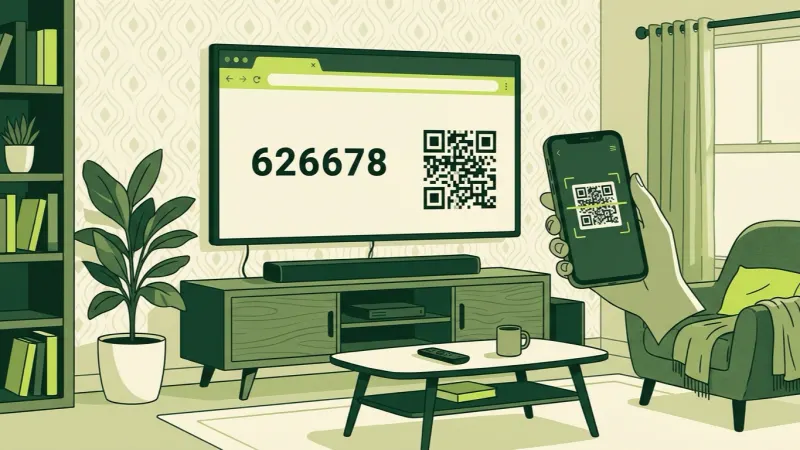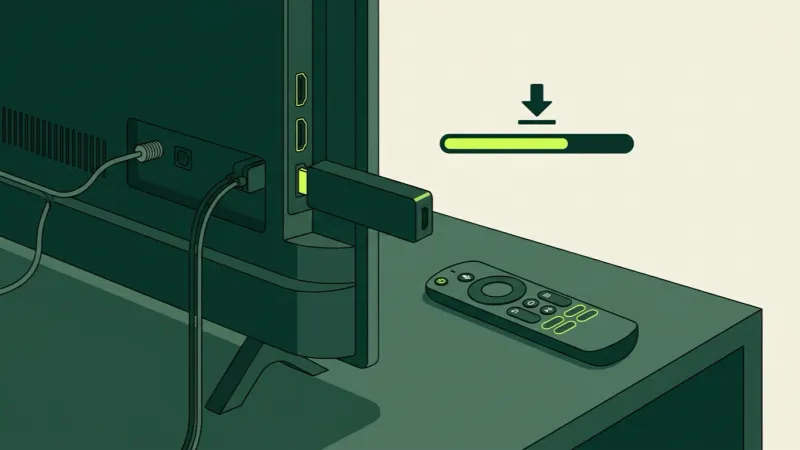
What it costs, what to watch out for, and how to set it up on the TV you already own.
Start here · Buying
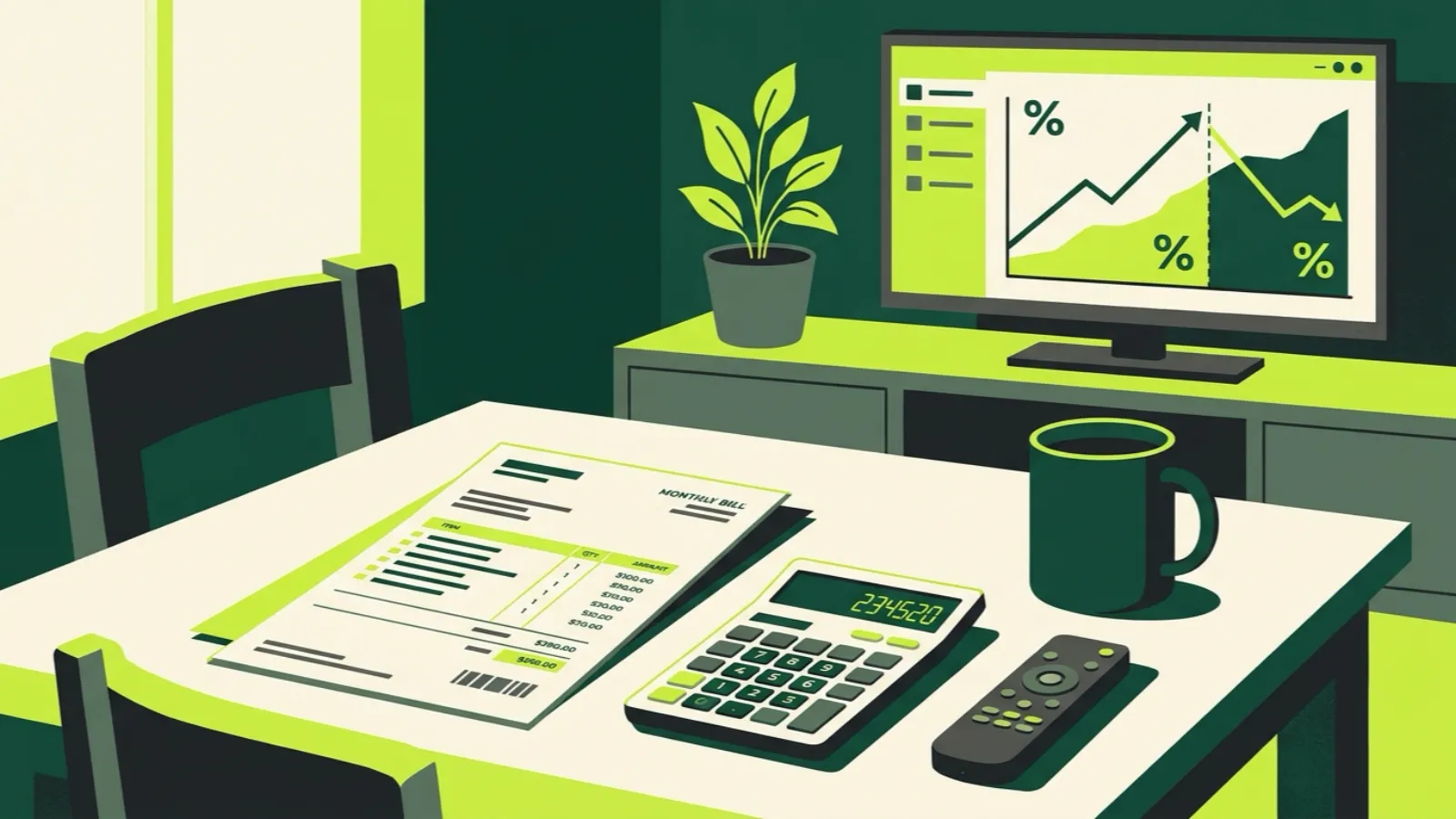
YouTube TV is a licensed, polished service at about $83 a month. IPTV costs far less and carries far more, with real trade-offs. Here is how to pick.
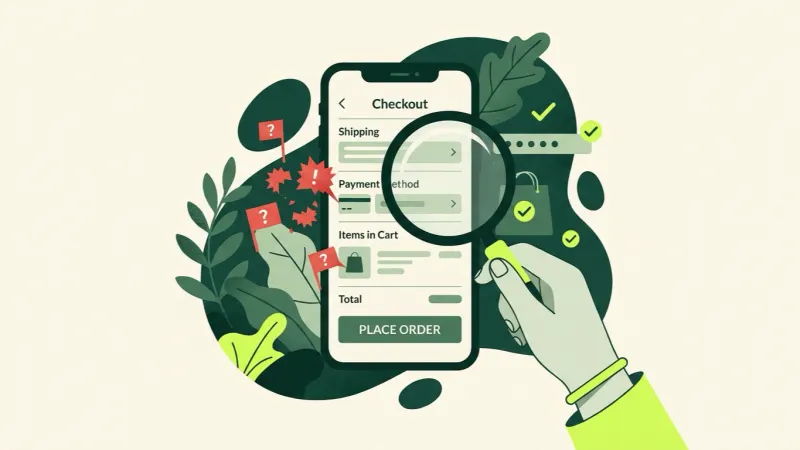
Lifetime plans, 12-month-only pricing, no trial and no way to reach anyone. Here are the red flags, the green flags, and a simple way to test a service before it costs you.
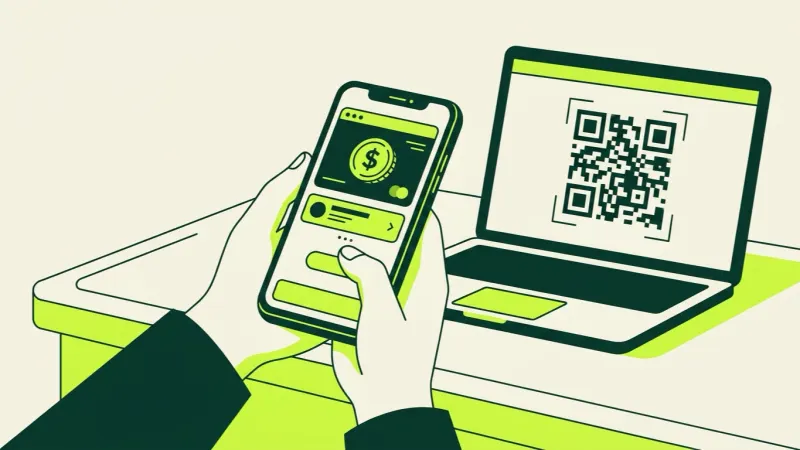
PayPal USD is a dollar stablecoin you can buy right in the PayPal app. Here's exactly how to use it to pay for IP2TV, what to do about network fees, and why it's 15% off.
Most people don't need a VPN for IPTV. It helps in one specific case, when your internet provider slows streams at busy hours, and it can make things worse otherwise. Here's how to tell.
A screen on an IPTV plan means one stream playing at a time, not one device. Here's how that works, why you see "max connections reached," and how to pick 1 to 5 screens.
IPTV as a technology is legal. Whether a particular service is lawful depends on its rights to what it streams. Here is how that works, and how US enforcement has played out.
We added up what a US sports fan pays in 2026 when stacking licensed services. Depending on what you follow, it runs from about $650 to well over $1,600 a year.
Streams that play fine on a Tuesday can stall on a Sunday afternoon. Here's why, and a checklist to work through in order before kickoff.
Samsung and LG TVs can't install Android apps, but they still have three ways to run IPTV. Here's how each works, and when a $30 stick is the better call.
Roku doesn't let you install outside apps, so most IPTV apps are off the table. Here are the three routes that do work on a Roku TV, and the one to avoid.
The full FireStick install, from Downloader to signing in with a code on your phone, plus fixes for the errors people actually hit and what to do if your model won't allow it.
No card, no auto-charge. Your login arrives by email and works on the TV you already own.